Hi everyone!
Great news! You can now ask Claude or ChatGPT questions about your business and get read-only answers straight from your real MYOB data, right where you are already working. It’s rolling out now to selected customers.
The connector/plugin is a way to link your Claude/ChatGPT account to another platform like MYOB, so it can look up real information for you and answer questions directly, instead of you having to copy and paste details back and forth.
It's entirely optional to make the connection, but if it's useful to you, connecting means your MYOB numbers show up right there, in context, so you can get insights about your business whenever you need them.
Once connected, ask things like "what's my profit and loss looking like?", "what are my expenses this month?", or "who owes me money?" No exporting reports, no screenshots, no switching apps.
It adds up to real time back for you. Every minute not spent hunting for a report, re-uploading a CSV, or flicking between apps is a minute back in your day.
Connect MYOB to Claude
- Navigate to the Connectors directory in your Claude account.

- Find and open MYOB, then click Connect.

- Enter your MYOB username and password.
- Click Continue.
Connect MYOB to ChatGPT
- Navigate to the Plugins in your ChatGPT account.

- Find and open MYOB and then click Connect.
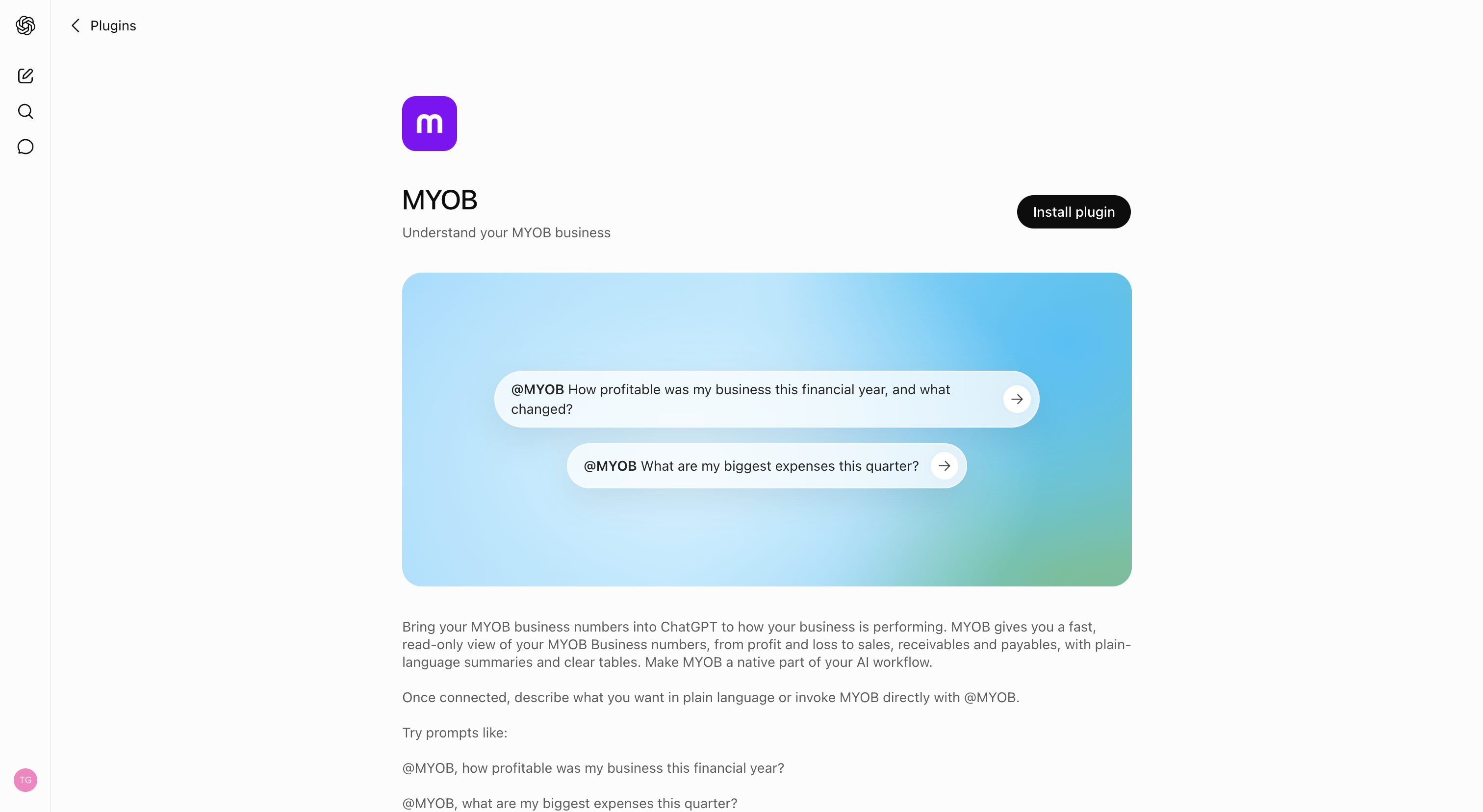
- Enter your MYOB username and password.
- Click Continue.
A few things worth knowing:
- Staged rollout - The connector in Claude and plugin in ChatGPT are both in beta for customers in Australia. If you are interested in trying this before the wider rollout, join the waitlist.
- Completely optional - If you are part of the beta you can connect whenever suits you, or skip it for now.
- Read-only - Claude or ChatGPT can see your data to answer questions, but can't make any changes to your books.
- No new login needed - connect with your existing MYOB details.
Check out this pagefor more information.
As always, we'd love your feedback as you try it - leave your comments on this post!
