Decor
1 year agoContributing Cover User
help with report
Can someone please help? I need my Aged payables to display as per month due . I am only able to select the options of Days overdue using purchase terms or number of days since PO.
- 1 year ago
Hi Decor,
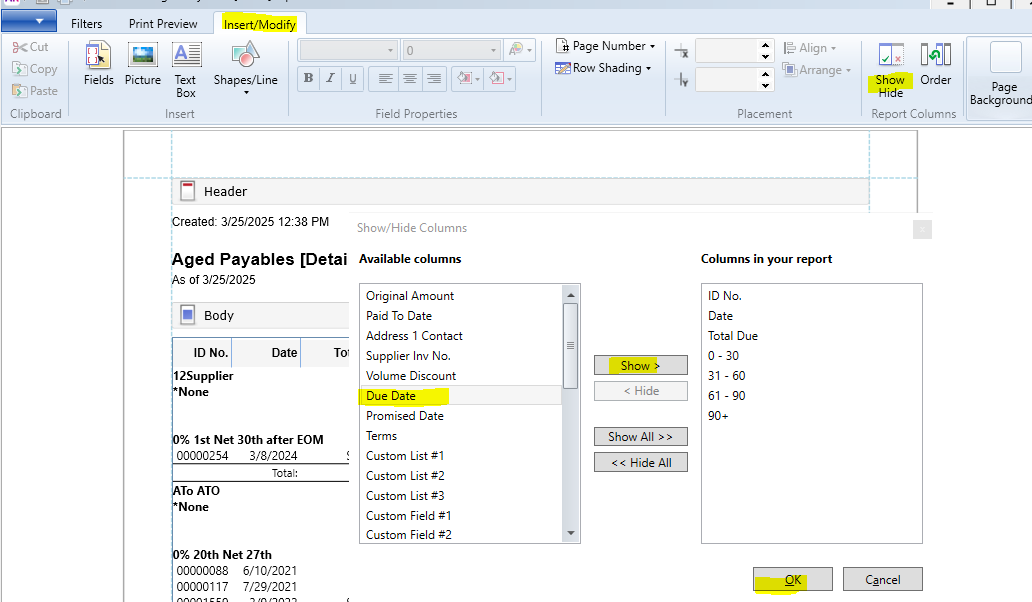
You can only use the ageing method when running aged payables report, but you can also hop over to the "Insert/Modify" section and select "Show/Hide" option to include the "Due Date." This will add a column that displays the invoice due date, so you can peek at your payables by month. Hope this helps!
Cheers,
Princess