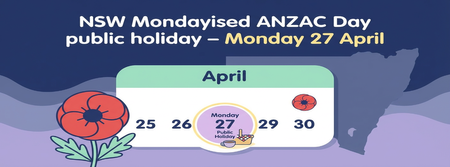
New Mondayised ANZAC Day Public Holiday for NSW (AU)
Do you have any employees based in New South Wales? The NSW Government has announced an additional public holiday for ANZAC Day on Monday 27 April 2026 (and again in 2027 when ANZAC Day falls on a weekend). You can read the full announcement from the NSW Government here: NSW Government release for Mondayised Anzac Day To make sure your NSW employees are paid correctly, you’ll need to set up this new public holiday in MYOB PayGlobal. You will also need to adjust any existing leave requests covering 27/04/2026. See the ‘Where to find additional information’ section of this post. What you need to do in MYOB PayGlobal Create the new public holiday Go to Organisation > Entitlements > Holidays. Rightclick the list of holidays and click Add Record. The Add Holidays window opens. Enter the relevant details for the new ANZAC Day Monday public holiday (for example, code, description, date, statutory flag). Click Save + Close to create the new holiday. Add the holiday to the appropriate Holiday Group(s) Go to Organisation > Entitlements > Holiday Groups. Doubleclick the relevant holiday group and click Edit to open the Edit Holiday Groups window. Rightclick the list of holidays and click Add Record. On the Details tab, select the new holiday in Holiday, and choose Public Holiday as the Reason. Click Save + Close to add the new holiday to the group. Repeat these steps for any other Holiday Groups that should include this new public holiday. Where to find more information: If you’d like more detail, including how this might affect other payroll activities (like new starters, terminations, or existing leave requests), please see our help article: Adding a Public Holiday in MYOB PayGlobal59Views0likes0Comments