
SConnaughton
9 months agoContributing User
I can't match a transaction with its expense
Hi, I have added multiple expenses to my Solo account manually and completed the transaction with my Solo Money Account. I'm being asked to match these transactions to an expense, yet there are n...
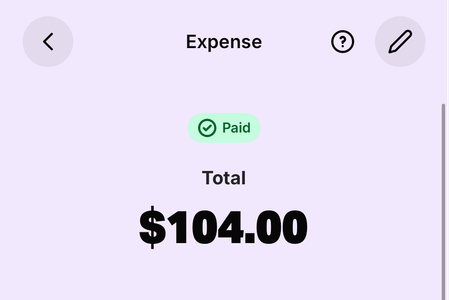
- 9 months ago
Ahh that makes sense!
There are a few options here really, and you have already figured out the first one where you create a generic supplier, but based on your scenario, there might be another approach that could work.
Since it sounds like this is mostly "on the spot payments" there is the option to categorise instead of matching.
- Creating an expense and then matching is great when you have an expense with a bit of oomph to it. Think bills, invoices, purchases from known suppliers etc.
- Categorising is great when you just need to quickly categorise an expense, but don't necessarily need all the bells and whistles that creating an expense offers. So this is great for on the spot purchases.
If you go with the categorising option, you essentially don't create an expense at all, but select the transaction and tap Manual and then Categorise. Here's a link to our help article on reviewing transactions as well.
Would this method work for these expenses?
I'm super keen to find the simplest process for you, so keep me posted how it goes!


