activemobilityTrusted Cover UserJoined 13 years ago128 Posts8 LikesLikes received7 SolutionsView All Badges
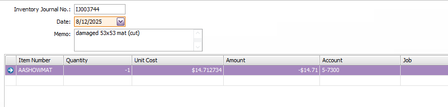
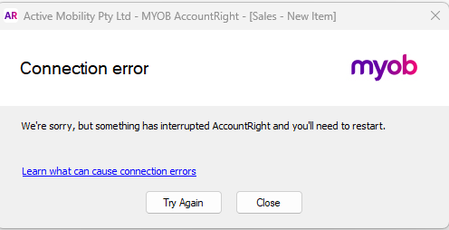
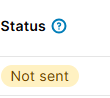
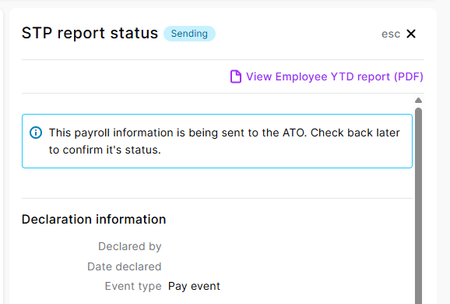
ContributionsMost RecentMost LikesSolutionsRe: Inventory value must be zero error Thank you. The Fix Run has rectified the problem. Inventory value must be zero error Help please. I am trying to adjust stock to zero. I have tried entering amounts but keep getting this error. Default to todays date We would really love the date on 'new' invoices/purchases etc to default to today's date. Often you go and look at something, then enter a new invoice for example, and it retains the date you have just looked at. So many errors happen because of this. This has been an ongoing problem for a very long time, and has appeared on here. Thought it was time to put it back on top of the list. Sometimes the basic things is what we require! Supplier Code We give our supplier/customer codes and can print on invoices etc for identification. Suppliers give us customer codes. Is there somewhere we can enter this on card file, then we can print on purchase orders and remittances. I think this would be helpful. Similar business names can cause errors. Re: MYOB connection issues Well this is interesting. I have done the above. However, have worked out the issue. You cannot go from Quote direct to Invoice. Had to step through to Order, then Invoice. Weird! However, we were still having connection issues this morning. So hopefully the script has fixed it all. Thanks MYOB connection issues Is anyone else having problems ? Tried the old on/off and still cant do anything SolvedRe: Payroll reporting not working OK, now I have scrolled down and the 'send to ATO' button has appeared. I have now clicked on this and sent declaration. Fingers crossed! Re: Payroll reporting not working Now saying not sent Re: Payroll reporting not working Online - says sending. However Declared by and Date declared are blank Payroll reporting not working Says website not working to declare the payroll