Blog Post


Jeffishar1
8 years agoFormer Staff
Hi Cathy_C
1 Authenticator app can be used for multiple accounts. So, please follow these steps:
- Login into your myob product.
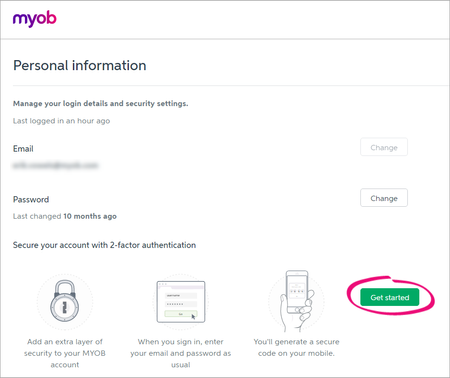
- When prompted for 2FA setup choose authentitor app setup. After further clicks away when it prompts you for authenticator app download, simply click through ( you don't need to download the app again).
- When you get a barcode to scan, then open your personal phone authenticator app, choose to add a new entry and scan the barcode.
- A new entry will appear on your phone app with your myob email address. 2Fa code will be generated every 30 seconds.
- Use that newly added entry code into the field below the barcode and complete your setup.
It is that simple :).
Hope it helps
Thank you
Jeff