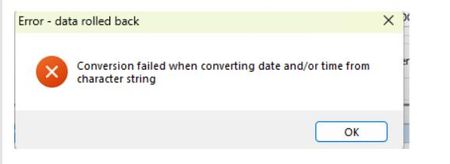
Exo Business - Conversion failed when converting date and/or time from character string. - September dates - New Zealand - Windows 11 & Windows Server 2025


Full instructions for changing Windows Language settings are here: Change the Windows regional settings to modify the appearance of some data types in Access databases.
You can change your Windows language/regional format settings at:
Search the Community Forum for answers or find your topic and get the conversation started!
Level up your skills and find answers across all MYOB products


