Forum Discussion


MarkJohnson
7 months agoMember
Hi Earl,
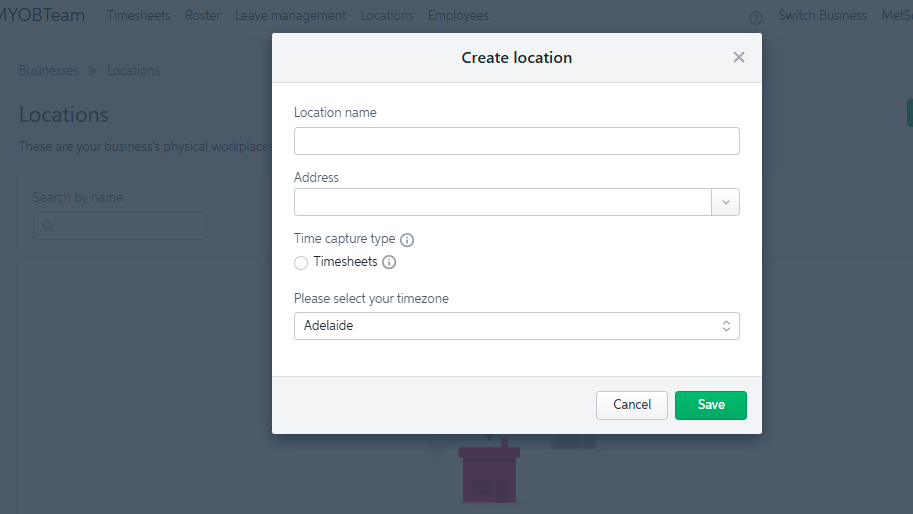
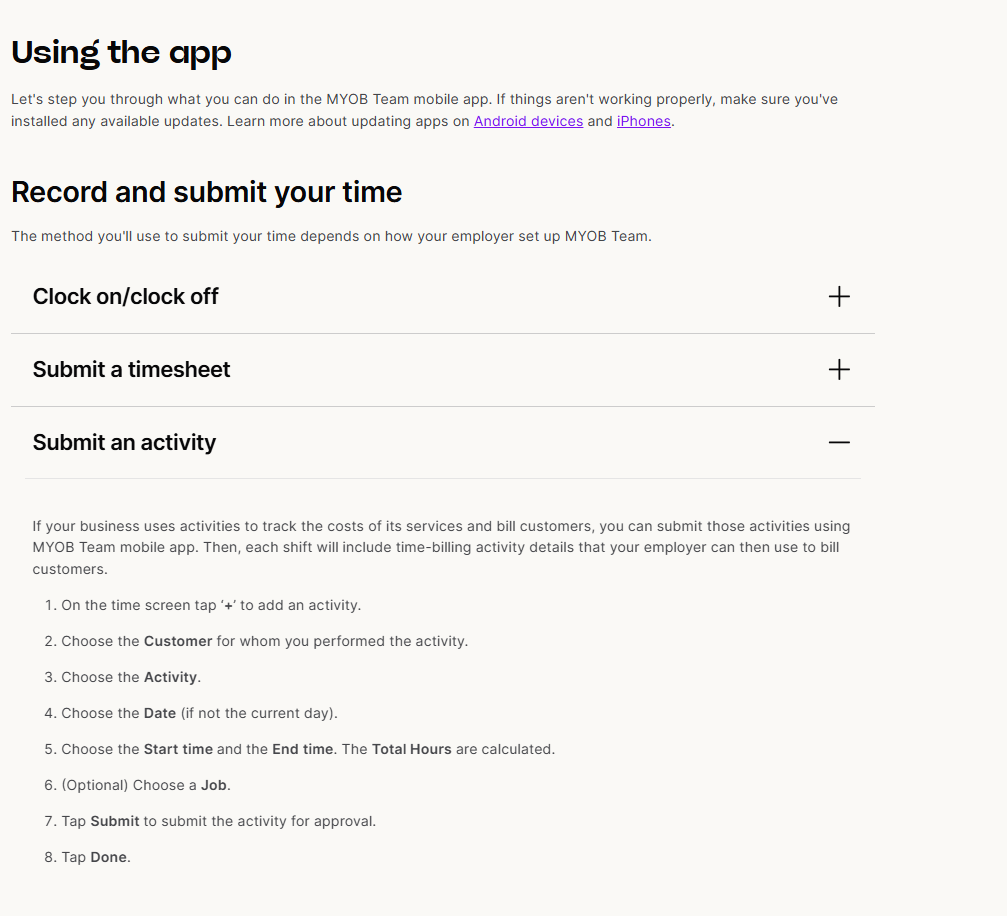
Thank you for your information. I have seen some screenshots and also mention within the MYOB Team documentation about adding client and activities to these timesheets.
So, if the timesheet information is entered via MYOB Team i have to go into account right and then assign that time to a job and activity?
Is there an easier way to have an online timesheet that allows employees to record time to a client, job and activity? We currently utilize an excel sheet which converts the data to be uploaded into MYOB but this is cumbersome and many touch points.
Thanks & Regards
Mark

Genreve_S
7 months agoMYOB Moderator
Hi MarkJohnson,
Thanks for the extra detail.
Right now, MYOB Team is basically hours‑only; it sends the time through, but jobs/clients/activities don’t reliably come with it.
So:
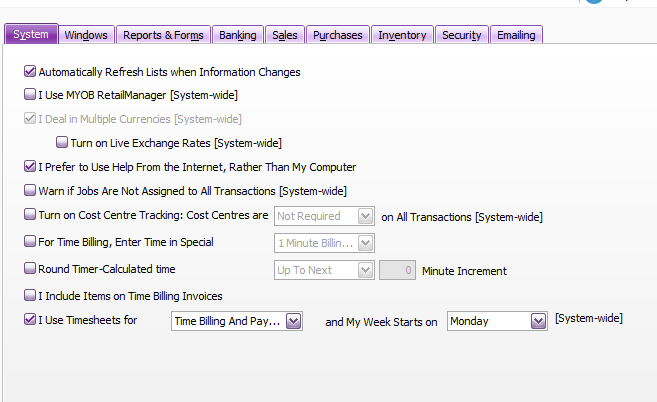
- If staff enter times via MYOB Team, you still need to open the timesheets in AccountRight (Payroll > Timesheets) and code each line to the right job/activity there.
- There isn’t currently an online option where staff can pick a client/job/activity in MYOB Team and have that flow cleanly all the way through. The product team knows it’s a gap, but there’s no ETA we can share.
At the moment, your choices are to:
- Use MYOB Team just for hours and do the job/activity coding in AccountRight, or
- Stick with your Excel/import setup if you need jobs and activities captured at the point of entry.
I know it’s not ideal, but I hope that clears up what’s possible at the moment.
Regards,
Genreve
Looking for something else?
Search the Community Forum for answers or find your topic and get the conversation started!
Learn, solve, grow
Level up your skills and find answers across all MYOB products