Hi Spot,
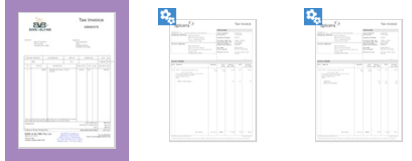
Thank you for providing the screenshot and confirming you already attempted a full restart.
The blue icon just means the invoice is still being processed. Since this seems to be happening with the larger invoices, please check that each file is 10 MB or smaller and saved as a PDF, JPG/JPEG, TIFF/TIF or PNG. If the invoices are scanned, make sure the text is clear and sharp. You can find more details in this guide. You could also try increasing the scan resolution or darkness, then upload one invoice at a time. Once the blue icon disappears, refresh the In Tray before trying again.
If the invoices are still stuck after this, please get in touch with our support team through any of the options on our Contact page. They’ll be happy to take a closer look and work with you to find a resolution.
Cheers,
Princess