Error Connecting Windows App to MYOB
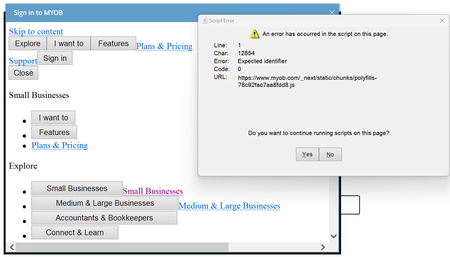


Phil_Jeffrey_KCWe do cache the token, it sounds like you might too. There's a description of using Windows Isolated Storage for caching MYOB tokens here: https://apisupport.myob.com/hc/en-us/articles/5215765325071-Cloud-Service
The location from the example is:
C:\Users\<username>\AppData\Local\IsolatedStorage\<randompath>\Tokens.json
There isn't anything in the file that identifies it as MYOB, so if it's there try renaming it and see if the login prompt comes back. If it still doesn't prompt for login, rename the file back because it might be for something else.

Thanks SteveP1 , That put me on the right track. Although it seems the file is now called TokenCache.dat. I renamed the file, and the login screen has now re-appeared.
Search the Community Forum for answers or find your topic and get the conversation started!
Level up your skills and find answers across all MYOB products


