Error Connecting Windows App to MYOB
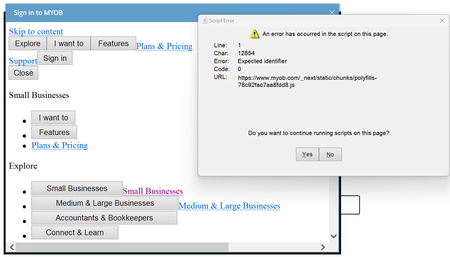


Hi The_Doc , the "code" should be in the "Source" property of the AntView control. It should return something like this:
http://desktop/?code=fiuohsdfgiuhyre8t7t83643hfigiues&^Ufu89hdfs7ty4jhr&scope= ....
So you will need to strip the first 21 characters at the start, and then everything from "&scope" onwards.
I've put my sample code in this thread if that helps.

Thanks for the information - I just didn't know the methods that came with Antview2 - very different from Access web browser - so was manually posting and on error page - Right clicking page but no "source" - so manually processed the above line = code as a legit Access Code and finally this morning the returned tokens were correct.
Now to sort out all my code - appreciate you code posted - will be very helpful - just don't need to lose time getting going - If I can just get my 7d Refresh I don't need anything more except to Refresh to work.
Hopefully all will work.
Regards The Doc
Search the Community Forum for answers or find your topic and get the conversation started!
Level up your skills and find answers across all MYOB products


