
Sisley
10 months agoExperienced Cover User
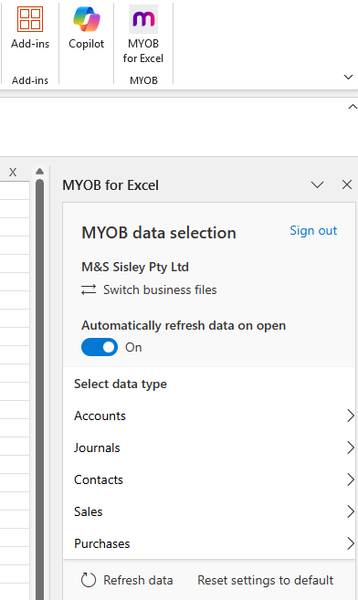
How to configure/check Excel integration settings in MYOB
I've gone through existing community notes as best as possible but am needing help with next steps. Desktop version of MYOB AR. Workstation has had a recent upgrade to W11. OneDrive has recently be...
- 10 months ago
Hi Sisley,
You did an awesome job checking the community notes and trying some troubleshooting first. It's great to pause and confirm this is the best path, especially when the two apps you depend on aren’t cooperating.
It's a bit odd that there’s no error and the Export button isn’t greyed out. If Export to Excel stopped working after moving to Windows 11, reinstalling AccountRight as an admin usually does the trick. Also double-check that Microsoft Excel is installed and compatible, and that there aren’t any permission or security blocks on the MYOB install folder. I’ll share a few forum threads below with steps others used to fix the “can’t export report to Excel” issue:
Cheers,
Princess


