MYOB Business: Something went wrong [Multiple Files]
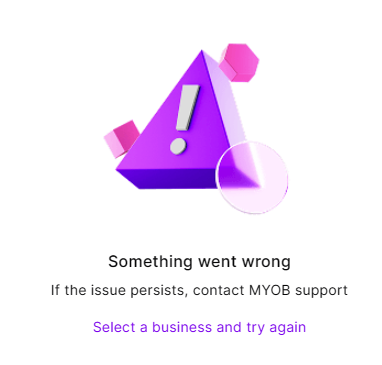


Hi Durkin,
That's a rough time to hit errors, especially mid‑payroll across multiple entities. Given you usually have up to 10 files open at once, it does sound like a temporary glitch. When lots of files are open and you’re running payroll, a session or load hiccup can trigger the “Something went wrong” window. I know you’ve already done the usual self‑checks, but try logging out of each file and logging back in to see if it helps. If it keeps happening, reaching out to our team is the best next step so we can dig into the logs and figure out what’s causing it.
Cheers,
Princess

Hi Princess_R
It's not during any processing. It's on the initial start up. I just logged out and back in, then tried to open six files from the My Businesses landing page. I was able to open three this time. The rest have the 'Something went wrong' error.
They just won't open in the first place. Given I've tested this with multiple computers from different locations, I'm going to say that this is an MYOB issue; not mine. Which is why I was asking the Community if it was happening to anyone else.
I'd love to call support, but every time I do it takes out about half of my day to get through and nothing gets resolved. And lodging a ticket just gets the boiler plate response of how about trying the things I've already tried, then 'we need more information.' I'd call my Partner Manager, but she doesn't answer my phone calls and only contacts me when she's trying to sell something.
Any chance you could just check with your Dev/IT Department if they've implemented service action restrictions please?
Search the Community Forum for answers or find your topic and get the conversation started!
Level up your skills and find answers across all MYOB products


