AccountRight monthly version release information
MYOB AccountRight version 2026.9 will be released on October 14th 2026. AccountRight updates are typically made available around the middle of every month. These updates include, new features, updated compliance, improvements and fixes. Users can see what is included in each update through our dedicated AccountRight Release Help Article. When an update is made available AccountRight PC Edition users would be automatically updated to the latest release of AccountRight. You'll be prompted to restart AccountRight to complete the update. *Note that there are no further updates for AccountRight SE after 2026.5 Tip: Shut down AccountRight when you're not using it. If you leave AccountRight open all the time, you may miss out on automatic updates. To give you the best possible performance from AccountRight, we only keep the most recent version in the cloud. This does mean that as new releases become available, you may need to update your software to keep working smoothly. How do I update to the latest version? If you use AccountRight PC Edition, you'll automatically be updated to the latest release. The next time you log in after that, you'll be prompted to restart AccountRight to complete the update. If you see a message that AccountRight needs updating when you open AccountRight, you need to restart AccountRight to install any pending updates. Can I open my offline file(s)? Since the release of 2026.5, offline files can only be opened in Server Edition, or AccountRight PC edition 2026.4 or earlier. AccountRight PC edition 2026.5 and beyond no longer supports working offline. What if I need more help? Check out our help article, Installation troubleshooting, if you encounter any issues when trying to install the update, or alternatively feel free to ask a question in the AccountRight board so the MYOB Community can assist.15KViews1like0Comments🚨 Service Disruption Update 07/05/2024
We're experiencing a service disruption impacting select MYOB products. We understand some customers are facing challenges with logging into their account due to this issue. We are dedicated to resolving this issue and have our team investigating. We sincerely apologise for the inconvenience caused. For the latest information: Visit our StatusHub: [https://status.myob.com] Follow this channel for more updates We appreciate your patience and are doing everything we can to restore services as quickly as possible.679Views0likes7Comments
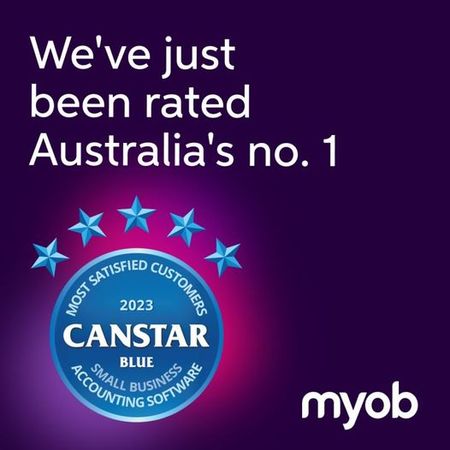
We Won Big-Canstar Blue Most Satisfied Customers Award 2023!
🏆Thank you for helping us get there - We’re proud to announce that MYOB has won the prestigious Canstar Blue Most Satisfied Customers - Small Business Accounting Software award for 2023! Emma Fawcett, General Manager of small and medium-sized enterprises at MYOB shares: “Our accounting software for small business scored five stars for overall satisfaction and five stars in each satisfaction category — value for money, reporting, ease of use, design, functionality, ease of integration and client service!” "Our customers drive our world, so it’s so satisfying to hear we’re making a real difference to them and their businesses.” See the full results and learn more here – https://bit.ly/3rgyHIq2.8KViews1like24Comments