Forum Discussion
Genreve_S
2 days agoMYOB Moderator
Hi qqsquare,
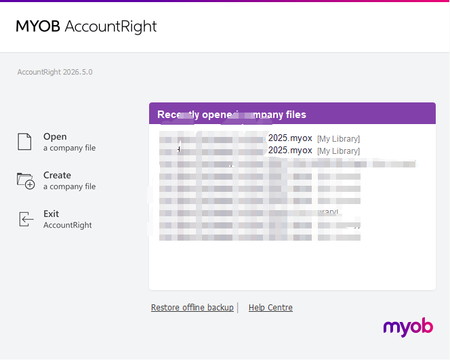
Thank you for sending through a screenshot; that does seem odd. If the file opens on one computer but not the other, it usually means the issue is with the affected PC or the host setup rather than the file itself.
A few quick things to check:
- On the host computer, open services.msc and make sure these are running:
- MYOB AccountRight Library
- MYOB AccountRight Server Locator
- MYOB AccountRight Server
- If the Library service will not run, check that this folder exists: C:\Users\Public\Documents\MYOB\My AccountRight Files
- Make sure both computers are on the same AccountRight version in Help > About MYOB AccountRight.
- On the affected computer, close AccountRight, restart the PC, then try opening the file again from Open > Network.
- If it still will not connect, repair or reinstall AccountRight on the affected computer using the same version as the working one.
If you're on a managed network, your IT person may also need to check the firewall or network access on both computers.
Regards,
Genreve
Looking for something else?
Search the Community Forum for answers or find your topic and get the conversation started!
Learn, solve, grow
Level up your skills and find answers across all MYOB products