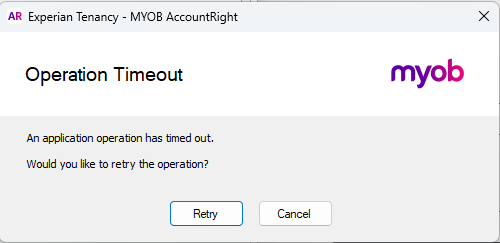
Operation Timeout error
Hi,
When I go to Reports > Index to Reports > Sales > Aged Receivables [Detail] then click Display Report or Export to Excel I get the attached Operation Timeout error.
Clicking the Advanced Filters button also produces the same error.
Our Finance team requires me to produce the Aged Receivables [Detail] report.
How can I fix this error?
Hi Codez,
The operation timeout on a report happens when the system trips over messy data, not because you’ve done anything wrong. It’s most often caused by terms on a transaction or sneaky pipe characters | in invoice or purchase numbers like ABC|123, usually from imported data. Our team can run a script on your file to help with those records so Aged Receivables [Detail] will load instead of timing out on you. You can contact them on Live Chat via our virtual assistant, MOCA, or by submitting a support case via My Account.
Cheers,
Doreen