Hi bdc,
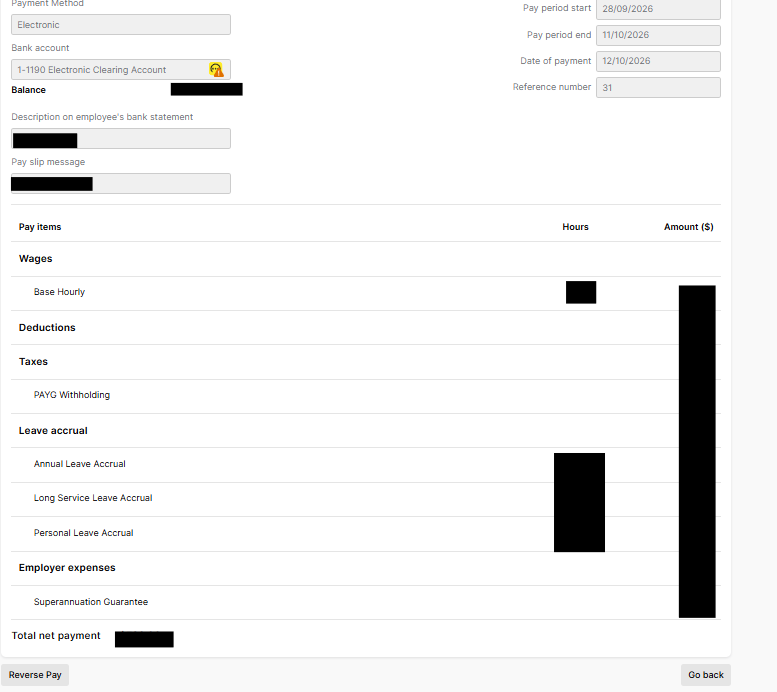
I understand you want to process the payments without accidentally reversing them. You don’t need to open the individual payment or select Reverse Pay to process it. Go to Banking > Prepare electronic payments.
- Choose a Payment type if you want to filter the list, such as employee payments.
- Select the Account the payments will be paid from.
- Enter the Date of payment and update the description or reference number if needed.
- Select the payments you want to include.
- Click Download bank file, then confirm the download.
- Save the bank file and upload it through your online banking portal for your bank to process.
Select the payments using the list, rather than opening an individual payment and choosing Reverse Pay. You can find more information here: Making electronic payments.
I hope this helps!
Regards,
Earl