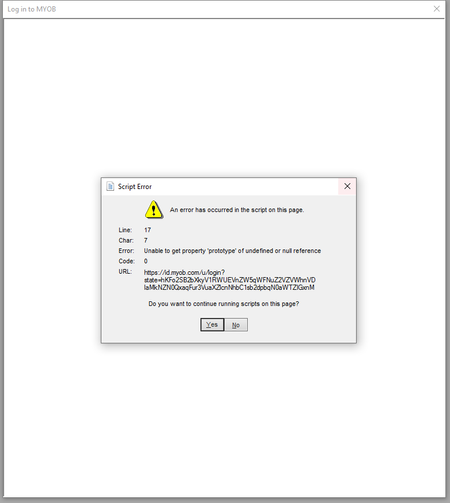
An error has occurred in the script on this page


Hi WLF
Script errors are typically caused by data that has been cached within the browser. To avoid these messages you want to:
Once that process has been followed, restart AccountRight before trying that login process again.
Please let me know if you need further help.
If my response has answered your enquiry please click "Accept as Solution" to assist other users find this information.

Still wont work. I have employees screaming for their payslips.
Search the Community Forum for answers or find your topic and get the conversation started!
Level up your skills and find answers across all MYOB products


