Trouble restoring old backup file
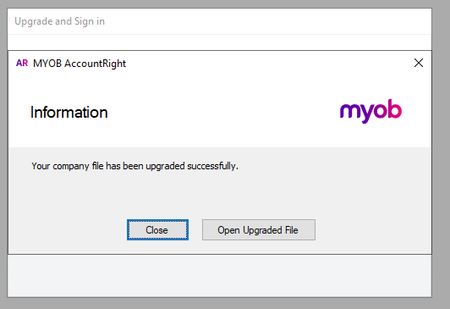


Sorry Extra Update - I have been able to access the last .MYOX backup file but I still cant open the previous backup which are .MYO files

Hi ntoumba,
Thank you for responding and updating us regarding your concern.
The Hotfix tool is only used for .myox files. If the file is a .myo file, you will need to open the file using AccountRight and upgrade that file first.

If the backup file is inside a compressed zip folder, restore a backup instead. (restoring a backup will automatically prompt you to upgrade it to a .myox file)

Generally, you can open the file directly after upgrading to a .myox file without using the Hotfix tool. It is only when the file is confused about what version it should be using that we require the use of the hotfix tool.
Let us know if you require any further assistance with this.
Thanks,
Genreve
Search the Community Forum for answers or find your topic and get the conversation started!
Level up your skills and find answers across all MYOB products


