Hi Andene,
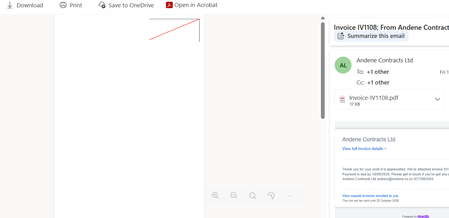
Thanks for the screenshot. invoices showing a red diagonal line instead of the full content is a known PDF issue, and it’s understandably challenging when you have to resend them. A workaround that may help is replacing the logo in your invoice template with a smaller, lower-resolution copy. You can save a fresh copy of the logo, upload it under Sales settings > Templates, then send a test invoice to check whether the PDF behaves itself. If the red line keeps popping up after updating the logo, please reach out to our support team via Contact Us page with a screenshot or sample invoice so the team can investigate further.
Cheers,
Doreen