Hi Angelacjj,
That’s a good catch, the browser version does have fewer options compared to the desktop one. That’s why you’re not seeing the extra drop downs for managing user permissions online.
What you can do in the browser is head over to the Users and Permissions section. From there, just tick the roles that are relevant or applicable to each user. There aren’t any other detailed settings or dropdowns like in desktop, so the online version is pretty straightforward, just select the roles you want them to have.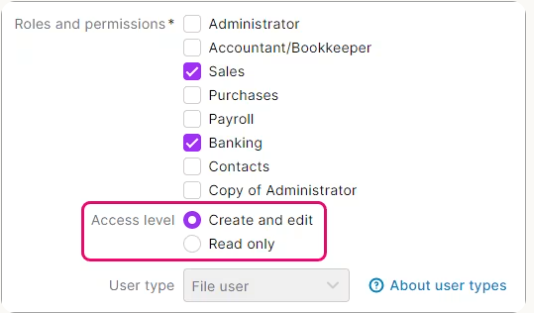
More information here: Manage users
Regards,
Earl


