Microsoft Outlook Warning Message
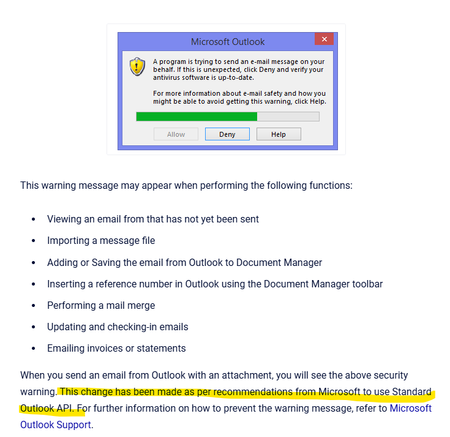


Hi JG2025,
Thanks for the screenshot and context. That pop‑up is actually coming from Outlook, not AccountRight. Outlook’s security thinks your software is another program sending emails on your behalf, so it shows the “A program is trying to send an email message on your behalf” warning each time.
There’s no switch in AccountRight to approve all remittances/payslips in one go, but your IT can relax the Outlook setting so you don’t have to keep clicking Allow. On an affected PC, they can go to File > Options > Trust Center > Trust Center Settings > Programmatic Access and set it so it only warns if the antivirus is missing or out of date (with AV kept current). You can read more about that from this link.
If you’d rather avoid Outlook altogether, you can also use AccountRight's own online emailing instead of sending via Outlook.
Regards,
Genreve
Search the Community Forum for answers or find your topic and get the conversation started!
Level up your skills and find answers across all MYOB products


