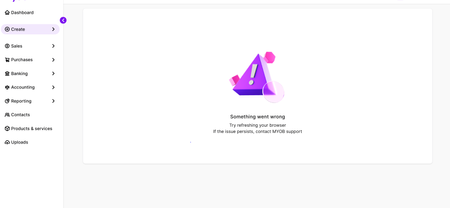
Hi 2025XCHAUU,
No fun staring at a blank screen when you're just trying to set up invoice reminders. Let's try a couple of quick tricks to see if we can get things moving again:
Clear DNS cache
- On your keyboard, press Windows.
- Type Command Prompt, and then right-click and select Run as administrator.
- In the Command Prompt window, enter ipconfig /flushdns and press Enter. When you see "Successfully flushed the DNS Resolver Cache.", continue to the next step. If not, repeat this step.
- Close Command Prompt.
- Test if the issue is resolved
Update DNS settings
- Do one of the following to open the Network and Sharing Centre:
- Windows 7 or Windows 8.1: Select Start, enter Network and Sharing Center, and then select it from the list.
- Windows 10: Select Start > Settings > Network & Internet > Status > Network and Sharing Center.
- Windows 11: Select Start, enter Control Panel, and then select Control Panel > Network and Internet > Network and Sharing Center.
- In the Connections section, select your network connection (it may show as Ethernet, vEthernet, Wi-Fi, or another connection name).
- In the [connection] Status dialog, click Properties.
- In the This connection uses the following items section, select Internet Protocol Version 4 (TCP/IPv4), and then click Properties.
- If Use the following DNS server addresses is selected, write down the current Preferred DNS server and Alternate DNS server addresses.
- Select Use the following DNS server addresses, and then enter:
- Preferred DNS server: 8888
- Alternate DNS server: 8844
- Click OK.
- Close all windows, and then test if the issue is resolved.
If it doesn't work, jump onto our live chat support through our virtual assistant, MOCA, or submit a case via MyAccount, the team can take a closer look at your account and get it fixed up for you.
Regards,
Sai