Inactive employees' entitlement is excluded


Hi Melanie_Lee,
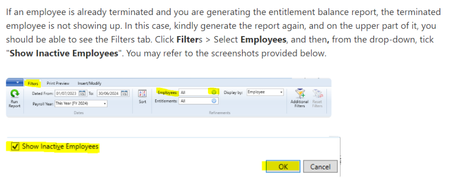
It's strange that inactive employees aren't showing after selecting "Show Inactive Employees" when running the entitlement report, especially since this function works fine in AccountRight on both the app and desktop versions. To help you and other users of the file sort this out, please clear your AccountRight cache and double-check the employee card file to ensure the employees are marked as inactive. Before running the entitlement balance report again, make sure to include all employees, which should then display the inactive ones.

Cheers,
Princess

I don't know if you received an answer to your question but here is an easy fix. Use the online version:
Reports > payroll > Payroll Activity <report period > employees amend to include Inactive employees wording varies slightly by version, run report.. I hope this helps someone in need.
Search the Community Forum for answers or find your topic and get the conversation started!
Level up your skills and find answers across all MYOB products


